Most laptops seem to lose ports as they gain power. You plug in a monitor, an external drive, and a card reader, and suddenly the only way to connect anything else is to juggle cables or buy a separate adapter for every device. The OWC 11-Port Thunderbolt 5 Dock is one of those computer peripherals designed to stop that juggling by replacing several cables with a single Thunderbolt connection to your computer. The real question isn't whether it's useful-it's whether this 11-port layout matches the way you actually work.
Quick verdict
The OWC 11-Port Thunderbolt 5 Dock with Cable is a desktop hub that gives you 11 ports from one connection. It includes three Thunderbolt 5 ports, an SD and microSD card reader, and a 2.5GbE Ethernet port that offers a 2.5x faster connection than standard Ethernet. The aluminum body and black finish give it a low-profile look. At $285, it's a meaningful investment, but for Thunderbolt-capable laptops that need more ports every day, the payoff is clear: one cable to connect everything.
Who it suits
This dock is for people who regularly work with multiple devices at once: photographers pulling images from SD and microSD cards while attaching an external drive, remote collaborators who need faster wired networking for cloud services and NAS transfers, or anyone with a Thunderbolt-capable laptop who wants one clean cable to reach all their gear. The dock is designed to support existing and latest machines with Thunderbolt 5/4/3, USB4, or USB-C, so if your laptop has one of those ports, you're in the right audience.
What stands out
Three Thunderbolt 5 ports are the headline. These are high-bandwidth connections that can handle demanding devices without taking over your laptop's port. The memory card reader is another practical touch: with both SD and microSD slots, you can offload photos from a camera and footage from a drone without digging out a separate reader. And the 2.5GbE Ethernet port is a clear upgrade over standard Ethernet for moving large files across a network, whether that's a NAS transfer, a cloud service upload, or an online gaming session.
Meaningful trade-offs
Because everything runs through a single Thunderbolt cable, the dock is only as useful as the host port you plug it into. The compatibility covers Thunderbolt 5/4/3, USB4, and USB-C, so a laptop with only USB-A ports won't be able to take advantage of the full setup. The dock also assumes a fixed workstation: it's a stay-put hub rather than a cable you toss in a bag. And while the 2.5GbE port is faster than standard Ethernet, it still depends on the network hardware and service you have.
Product note
OWC 11-Port Thunderbolt 5 Dock with Cable
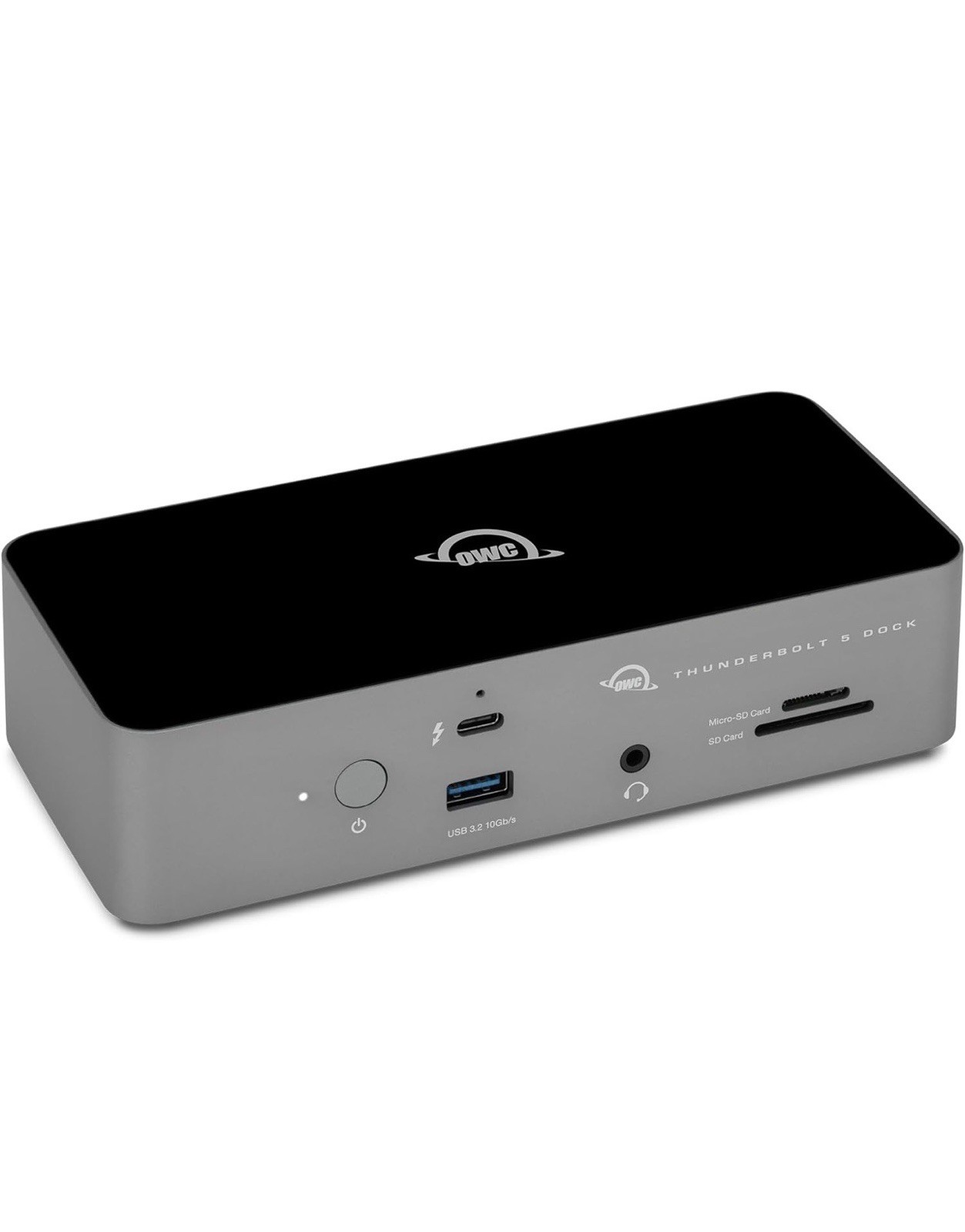
If you're tired of unplugging one device to plug in another, the OWC 11-Port Thunderbolt 5 Dock with Cable offers a single-cable answer with three Thunderbolt 5 ports, an SD/microSD card reader, and 2.5GbE networking for $285. The trade-off is the same price point: you'll want to be sure your host computer and devices already benefit from Thunderbolt 5 speed before committing.
Bottom line
The OWC 11-Port Thunderbolt 5 Dock is a practical answer for anyone who lives with a port shortage. It pairs a generous set of connections with a single-cable design, and the inclusion of three Thunderbolt 5 ports means it's ready for current and next-generation devices. If you have a Thunderbolt-capable laptop and a desktop workspace, this dock is worth the space on your desk.